Quick PDF switching
Switch between the current PDF and nearby documents without leaving the PDF view.
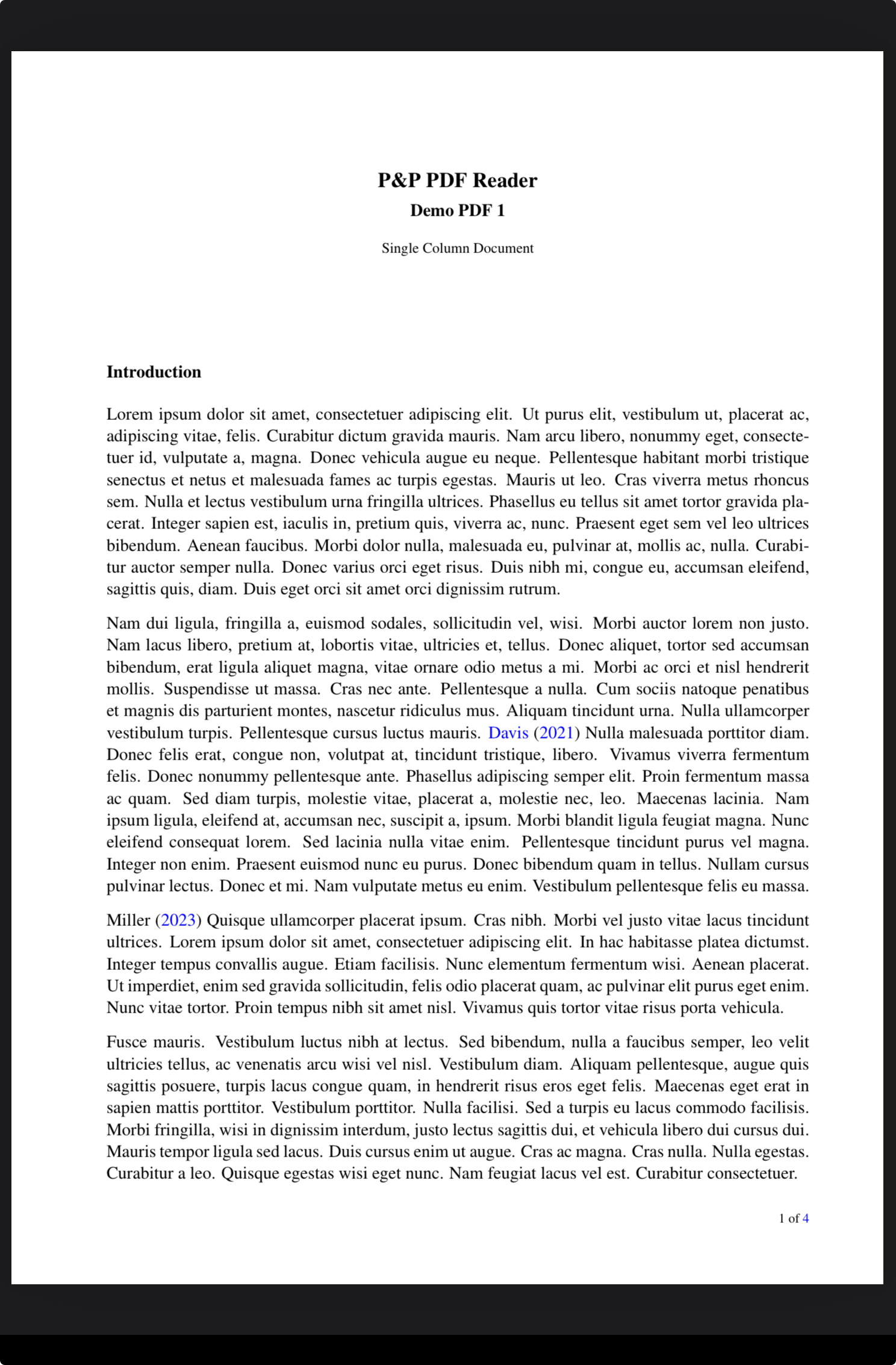
Stay in PDF view
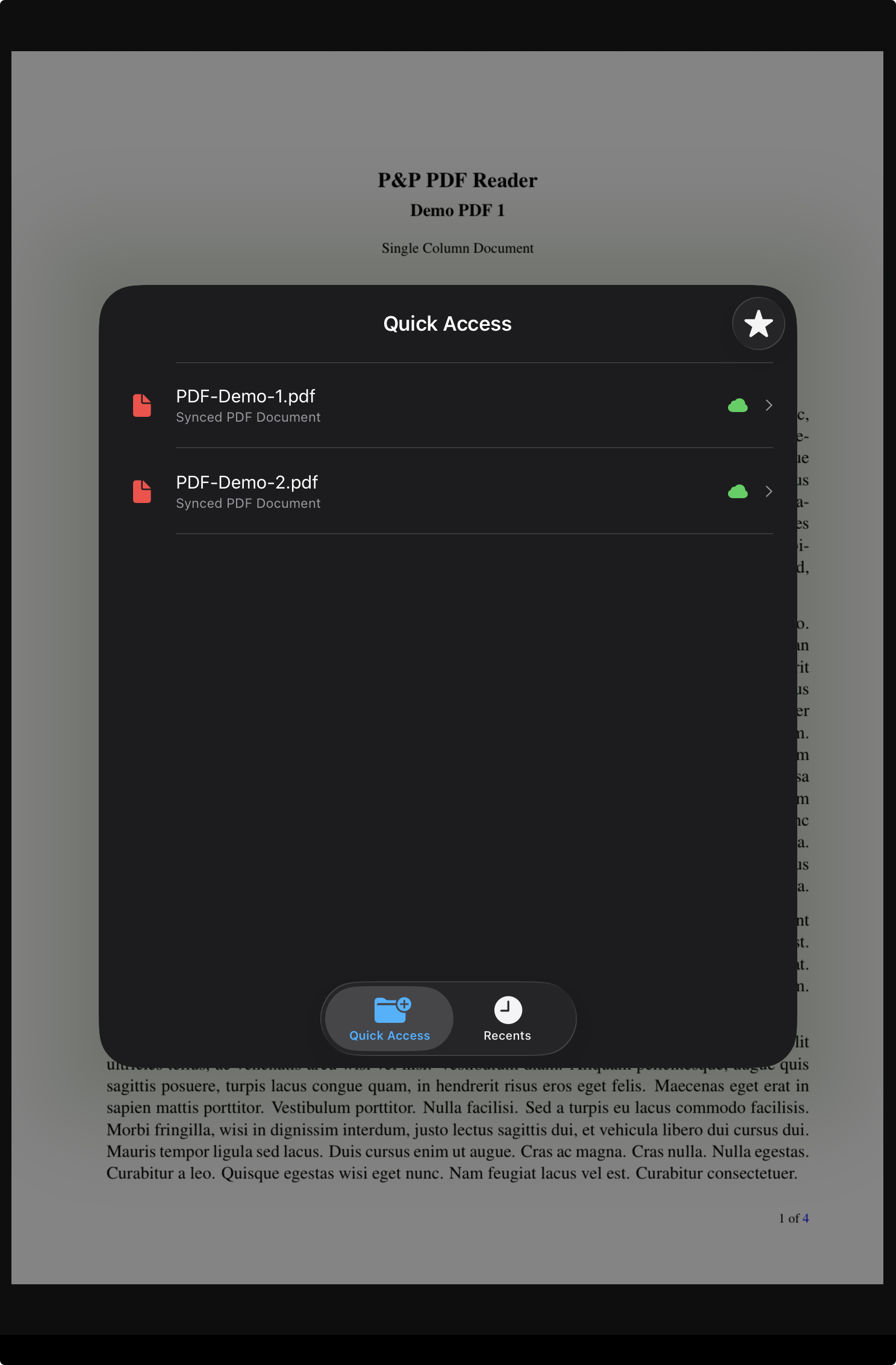
Open Quick Access and Recent PDFs over the current document instead of returning to Home or Folder view.
Default shortcut
Long-press region R5, the top-right edge region, to show Quick Access and Recent files.
Select a PDF
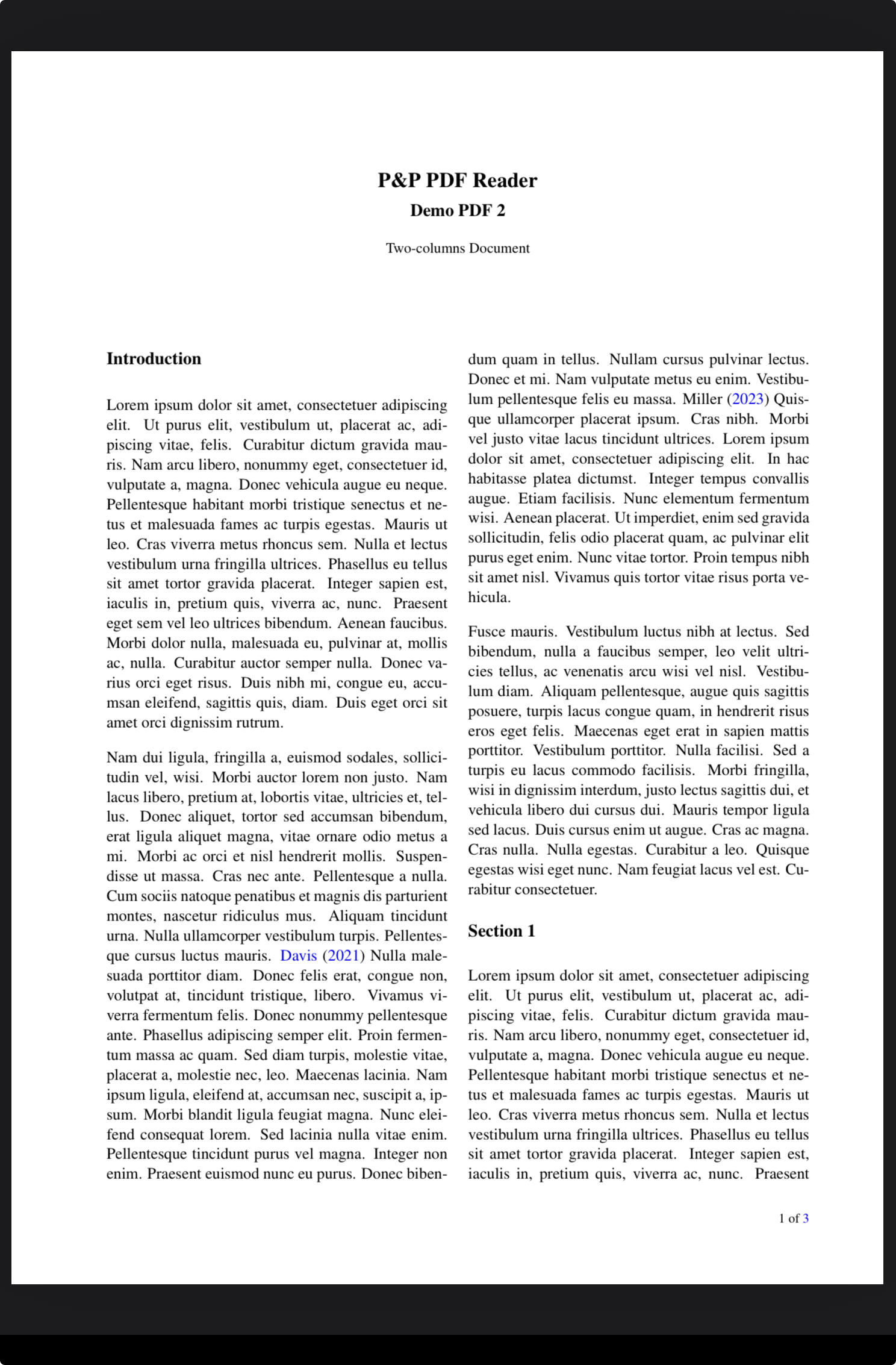
Choose the document you want to inspect, compare, cite, or continue reading.
Jump back
Swipe right with two fingers to return to the original PDF through navigation history.
Default workflow
Move to another PDF, then return with one gesture.
Quick switching is useful when a reading session involves more than one document. With the default actions, region R5 opens nearby PDFs and the two-finger right swipe brings the user back to the original PDF.
Why it helps
Reference another document without losing your place.
The current PDF stays part of the navigation flow. After checking a Quick Access or Recent PDF, the default two-finger right swipe returns to the original document so comparison and cross-reading stay fast.