Explore features
Choose the part of P&P PDF Reader you want to explore.
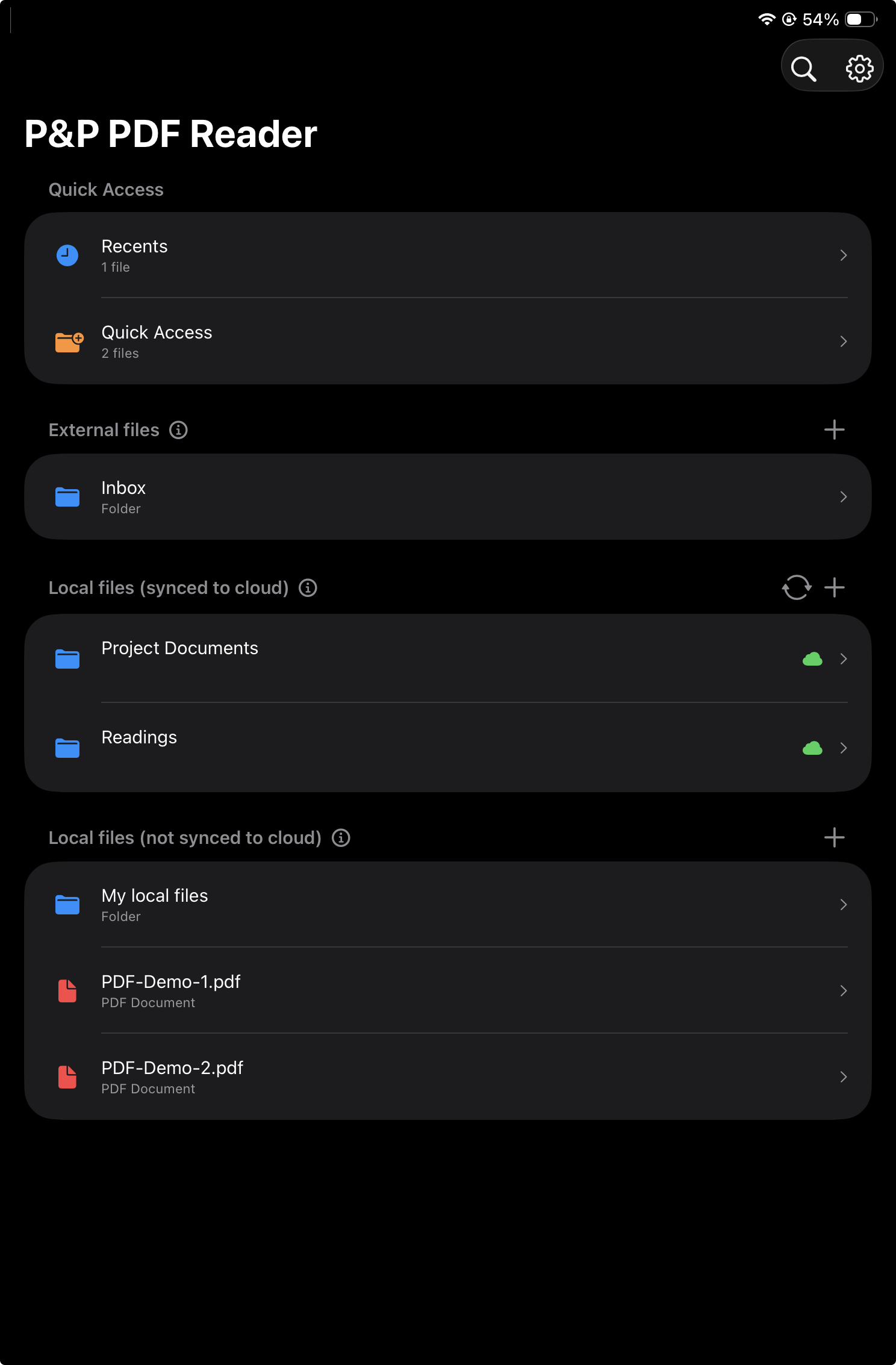
Home view
Import PDFs from local storage or cloud services.
See how the app organizes current documents, recent reading, external cloud files, and local files.
Explore Home view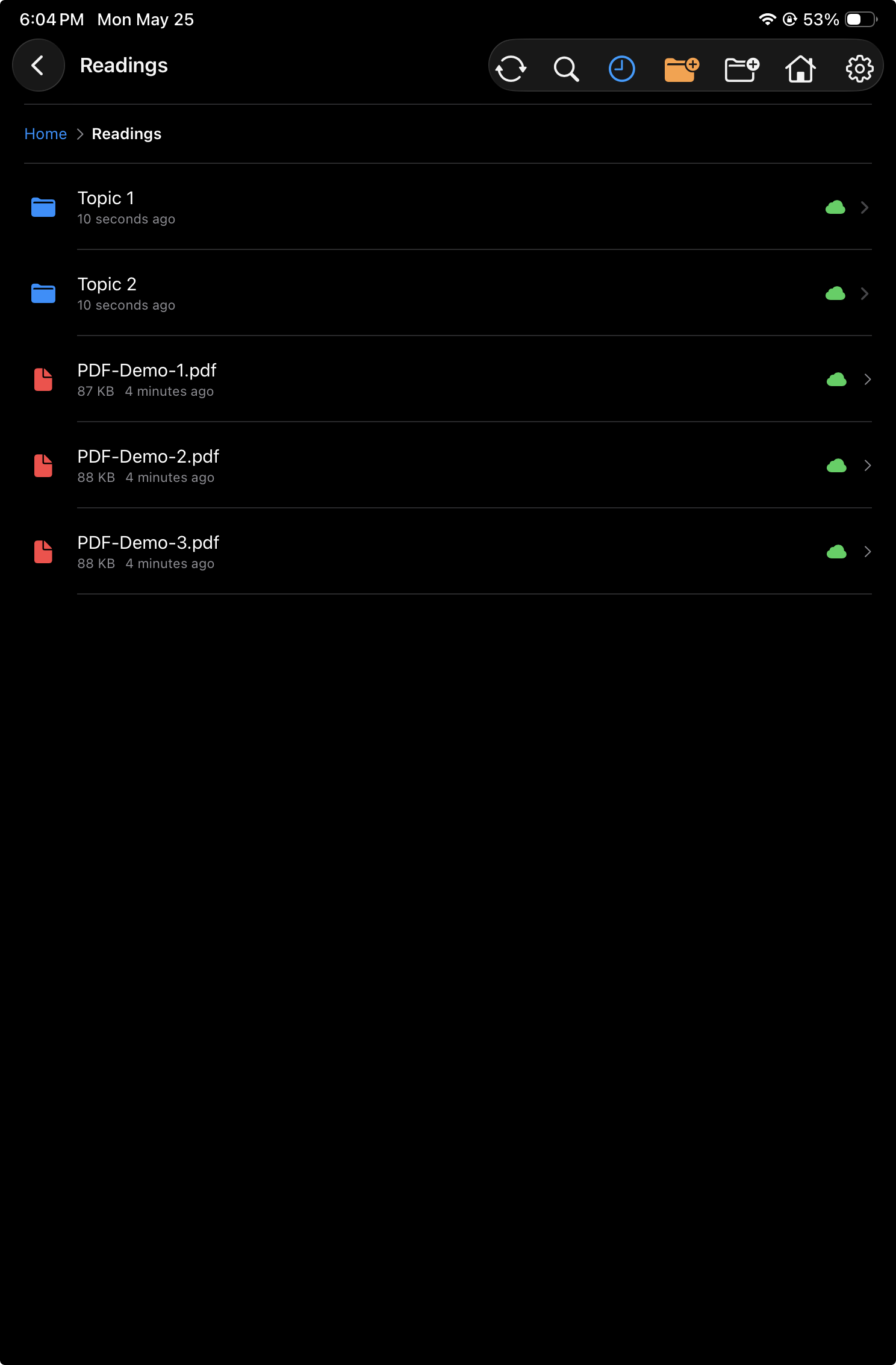
Folder view
Navigate folders and manage PDFs with context menus.
Browse folders, open PDFs, inspect sync badges, and use long-press actions for files and folders.
Explore Folder view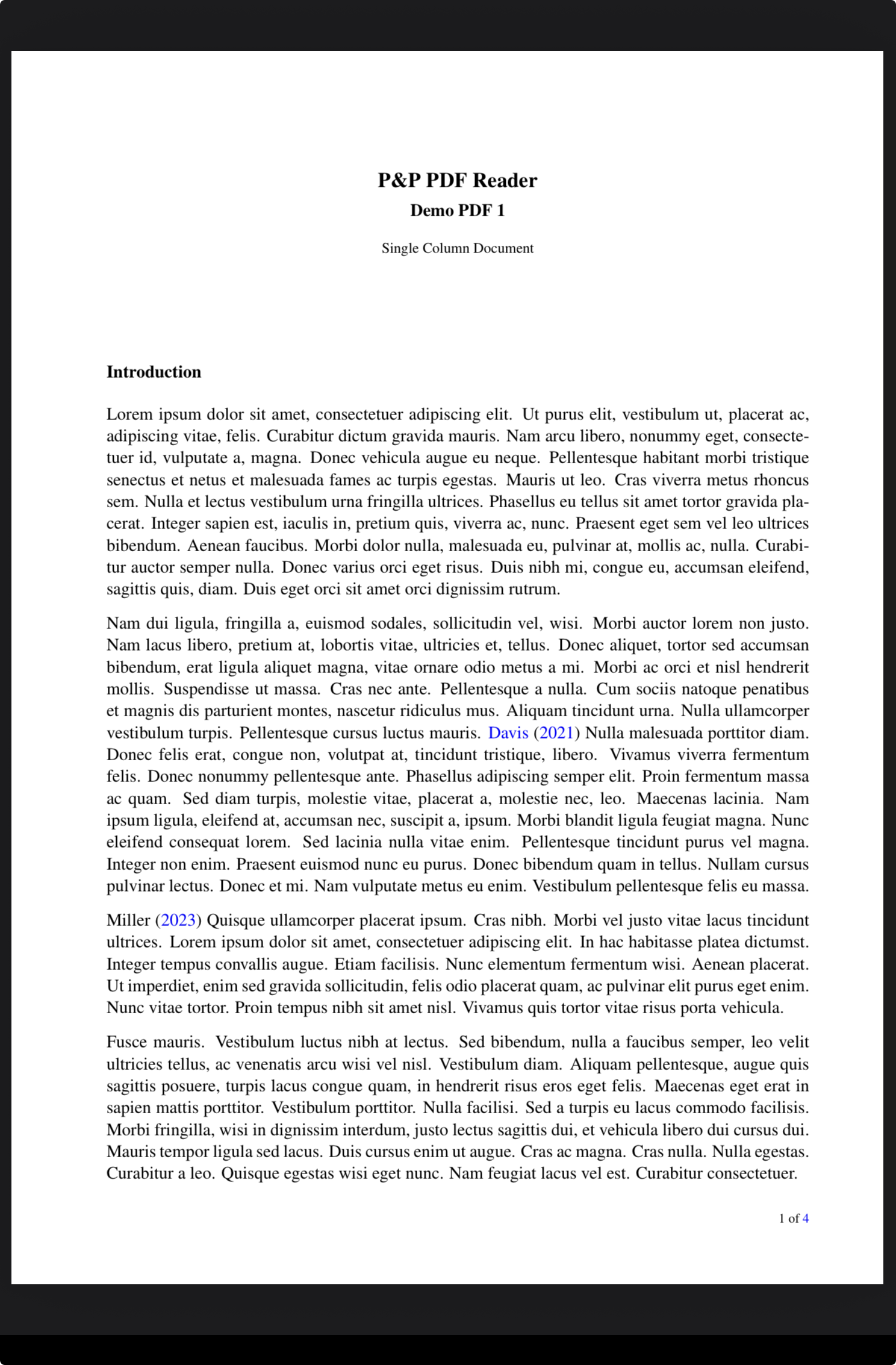
Read and annotate PDFs
Read, write, highlight, select, and navigate inside the PDF.
Explore Pencil gestures, edge regions, additional finger gestures, and the full-screen reading workflow.
Explore PDF view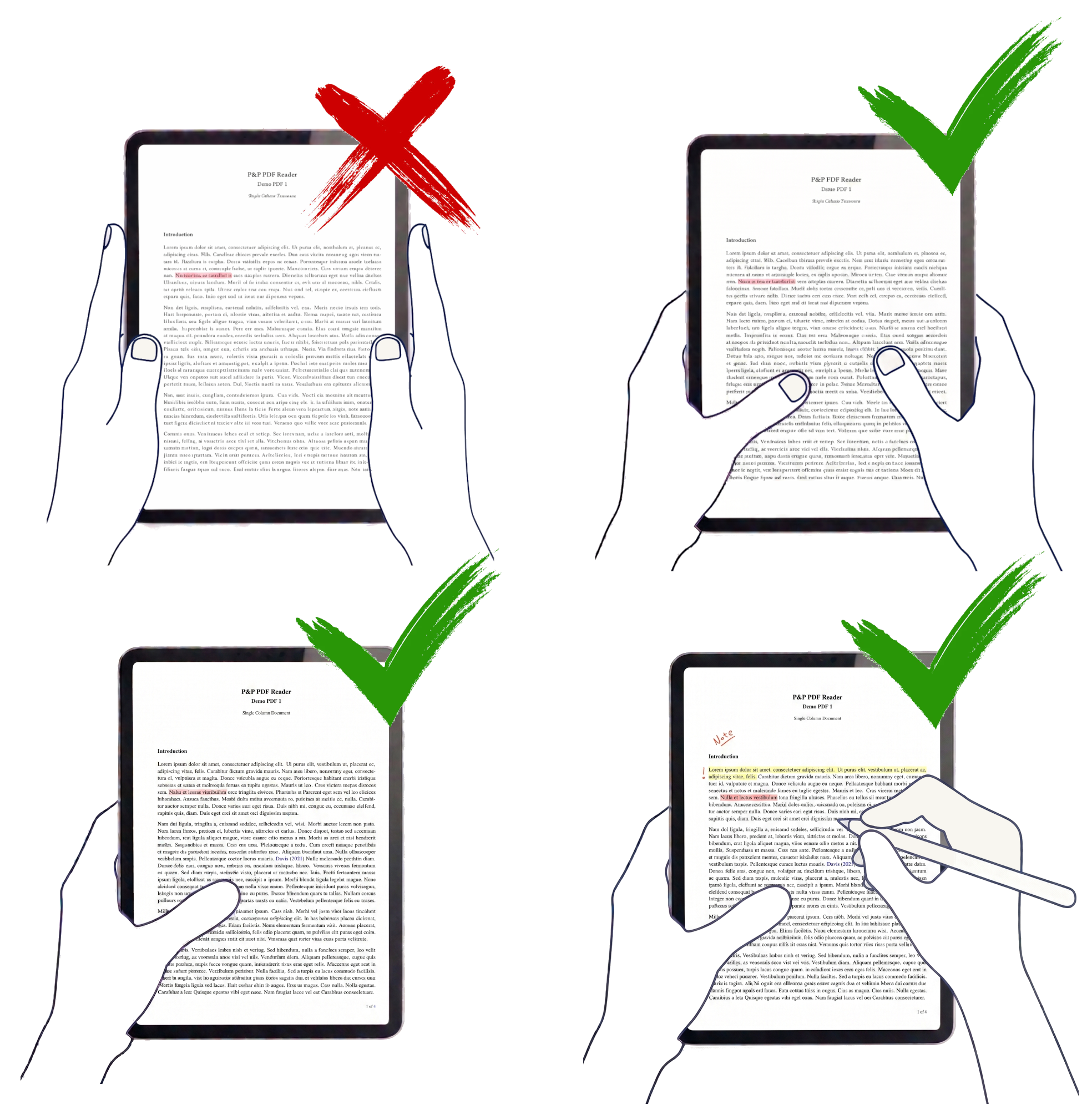
Ergonomics
Hold the iPad naturally while reading, navigating, and annotating.
See how P&P PDF Reader keeps touch detection compatible with book-like grips, one-handed reading, and Pencil annotation.
Explore ergonomics