P&P Notebook
Keep the notebook. Choose the device.
Stay focused with rich tools for taking handwritten notes, organizing, and planning, with your notes fully available and synced across tablets, e-ink devices*, and computers running iOS, Android, macOS, or Linux.
*The app works on regular tablets and e-ink devices. Check the list of tested e-ink devices here.
The same ideas, everywhere
Your notebook should belong to you—not to one device.
P&P Notebook is built around a shared notebook model, so moving between a tablet, computer, Android device, or e-ink screen does not mean learning a different way to work. Core functionality is mirrored across platforms. The notes can be synced to a cloud service and they become available across devices.
One notebook. Every screen.
P&P Notebook
A handwriting-first notebook that keeps your pages, links, organization, and planning workflow consistent across iPad, Android, macOS, and e-ink devices.
*The Android version includes settings optimized for e-ink devices that run Android or support sideloaded apps.
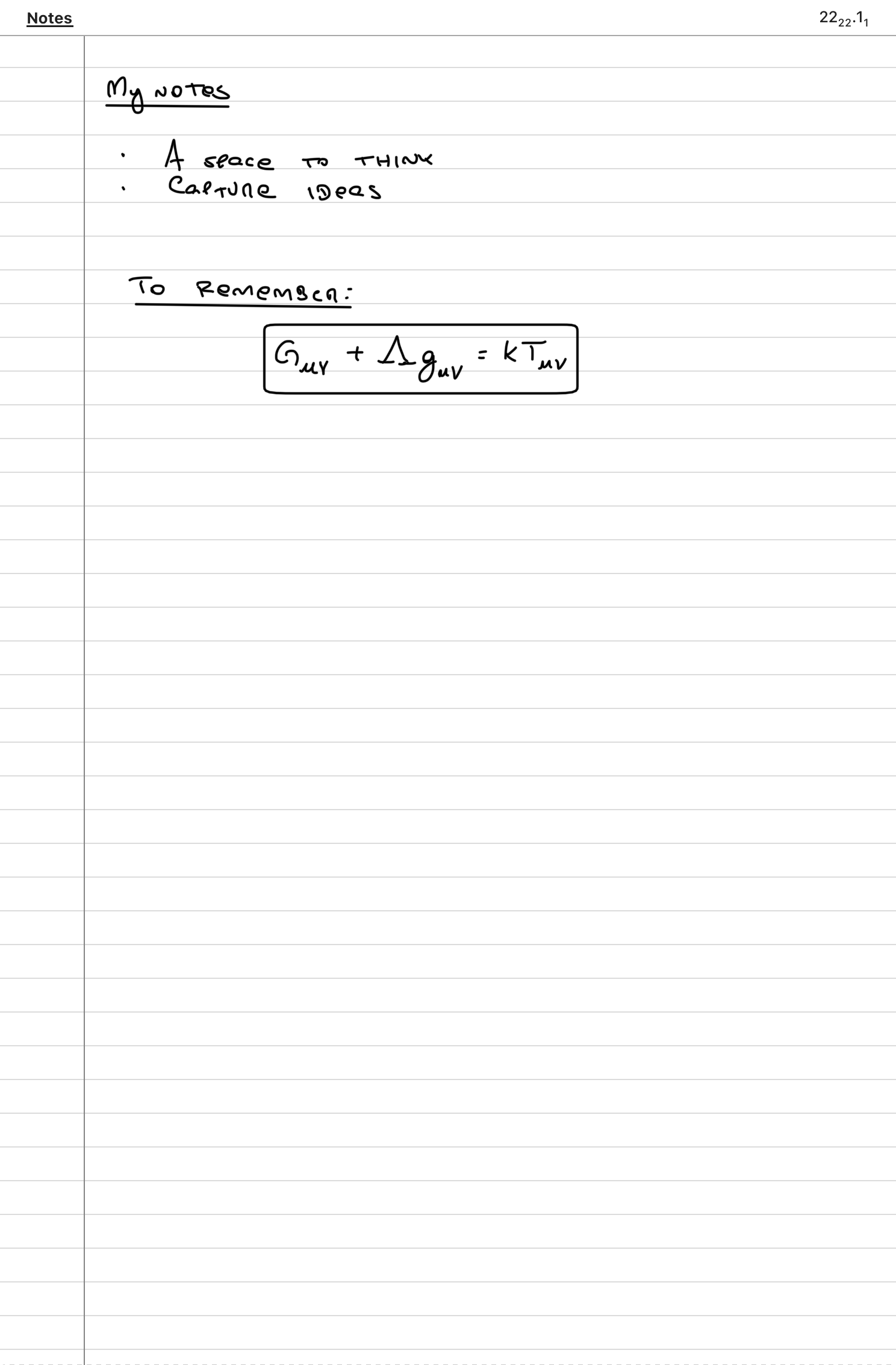
Room for your ideas. Tools to take them further.
- Infinite horizontal and vertical canvas
- Links to other pages and notebooks
- Split view to work with pages side by side
- Pen always ready—start writing directly on the page
- Add anything to the Table of Contents
- Select and send screenshots to your preferred AI chat.
- Easy gesture navigation
- Natural handwriting and drawing with pressure-aware ink
- Long-press context menus for tools at hand
- Scratch out ink to erase
- Optional Auto-lasso to select ink with a closed loop
- Flexible pages and reusable templates
- Page thumbnails for quick navigation
- Open notebooks in tabs and switch between them
- Tags and bookmarks to organize important material
- Text and images alongside handwritten notes
- Integrated agenda and calendar views
- Tasks, scheduled items, and deadlines
- Quarter shortcuts for fast calendar navigation
- Cloud sync to keep notes available across devices
- Portable backups, export, and sharing
- Customizable gestures and keyboard actions
- Display settings optimized for e-ink devices
- Many more
Notes
Your pages, ideas, and everyday workflow.
The pen is always ready
Write straight on the page, long-press for pen tools, and scratch out ink to erase. With Auto-lasso enabled in Settings, circle content to select it.
Video coming soon
Switch between notes and planning
Use the notebook switcher to open the calendar, then return to your journal without losing your place.
Video coming soon
Agenda
A clearer view of the days and months ahead.
Jump to a quarter
Move straight to the months you need with the Q1–Q4 shortcuts, keeping the calendar and space for notes together.
Video coming soon